Home View in Authoring Studio
Once you log in to PUBNiTO Studio's Home Page, you will see
a featured My Profile Box.


My Dashboard
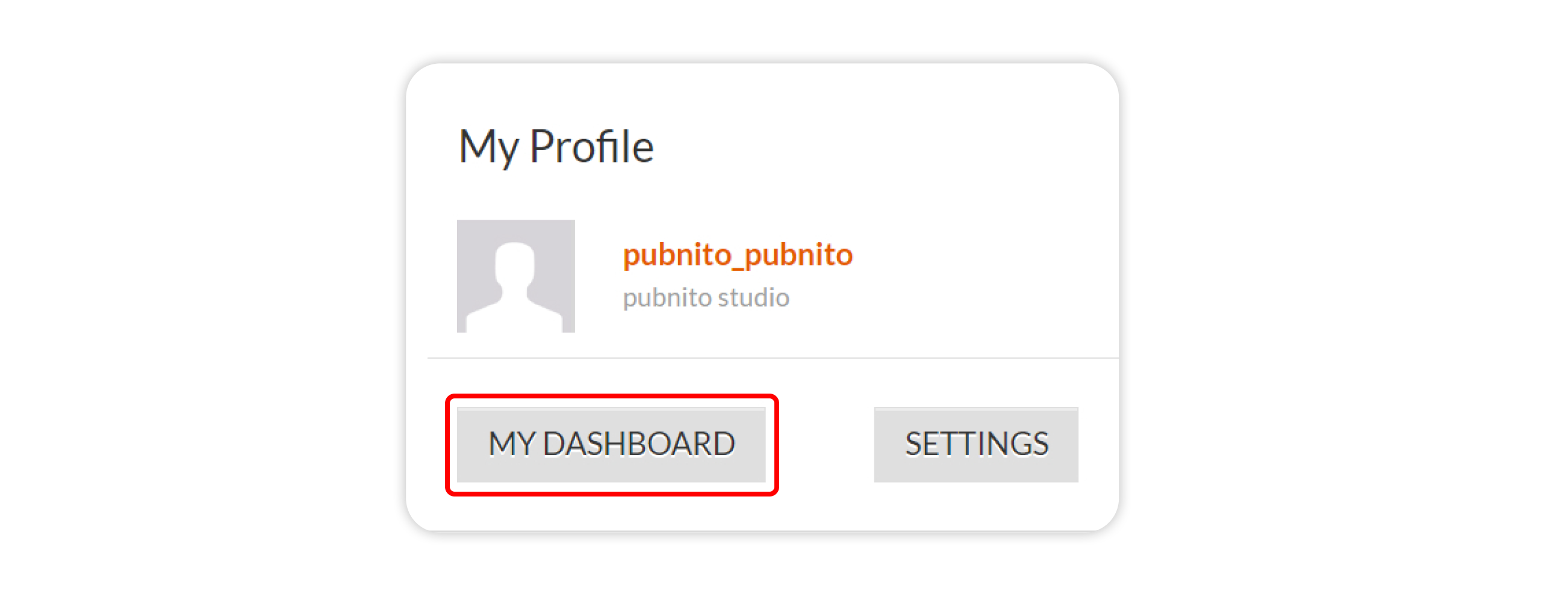


My Profile Box
The My Profile Box shows your username and name, and
below that you can see the Settings and My Dashboard buttons.
My Dashboard
After clicking on the My Dashboard button in My Profile, you
will be directed to a personalized page that gives you access to an overview of
your books where you can monitor your activity.
Settings
By clicking on the Settings button in the My
Profile Box, you can set your time zone.
FAQ(s)
1. What is the Home view in PUBNiTO Studio?
The Home view in PUBNiTO Studio is the first screen you
encounter after successfully logging in. It acts as a central hub for accessing
different features and functions in the Studio.
2. What can I do in the Settings section of
the My Profile Box?
Clicking on the Settings button in the My Profile
Box lets you configure settings related to your time zone. This feature
ensures the platform's timestamps align with your local time, enhancing your
overall user experience.
Related Articles
Authoring Studio: My Dashboard and Book Management
It provides a comprehensive overview of your books. My Dashboard Page has display sections for My Books, My Profile, My Recent Activity, and Participating Books. Accessing My Dashboard Access via Home View Access via Top Menu Access via Home View ...Authoring Studio's Collaboration Tools
Studio has collaboration tools that make working together easy, helping teams talk easily, keep track of changes, and work better. Online People This tab shows who's working on the book with you. It's on the left side of the studio and shows the ...Navigating and Managing Book Details in Authoring Studio
The Book Detail Page in Authoring Studio provides a comprehensive overview of your book's information, settings and controls. Here is a step-by-step guide to navigating the various features available: Accessing the Book Detail Page You will enter the ...Account Management in Authoring Studio
On the right side of the Top Fixed Menu, you will find the Account menu, which displays your name. To set up your account, click on My Account in the Account menu. My Account page includes the following sections: Account, Password, Authenticator, ...Section Management in Authoring Studio
Section Management helps you organize your sections and chapters. You can locate Section Management to the left of each section bar on your Table of Contents page. By hovering your cursor over the bar, the following options will be visible: Rename, ...